
Have you ever wondered why your internet suddenly slows down every evening, right when you’re watching your favorite show or joining an important work call? You’re not alone. Many residents experience the same frustration, even after subscribing to high-speed plans.
This slowdown typically occurs during “peak hours,” when most people in your neighborhood are online at the same time. The good news is that it’s not permanent, and there are effective ways to fix it. Let’s explore why this happens and how you can make your cable internet faster and more reliable.
The Real Reason Your Internet Slows Down at Night
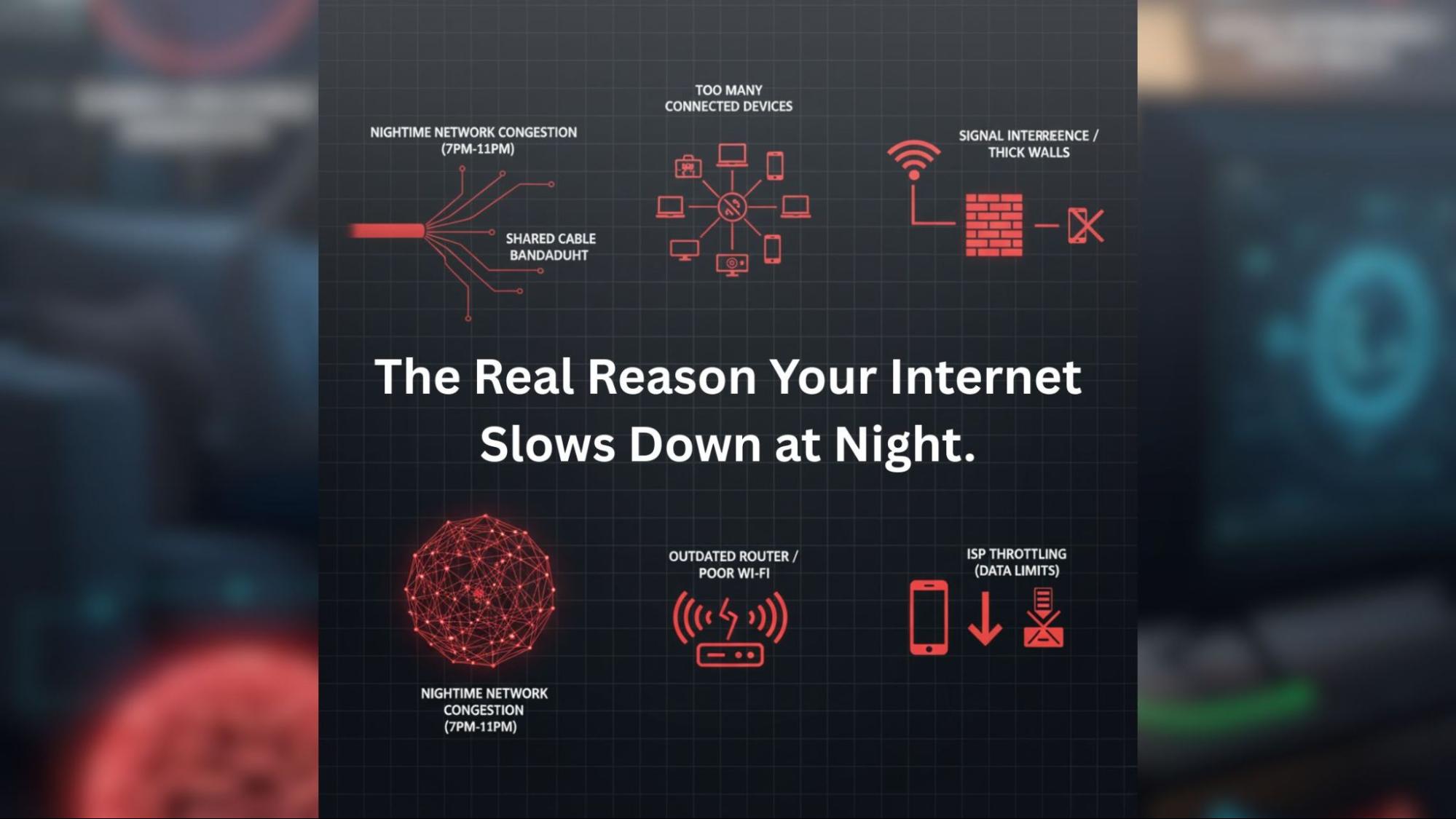
The main reason for slow speeds at night is network congestion. Between 7 PM and 11 PM, thousands of homes are connected to the same local network, streaming, gaming, attending meetings, or browsing social media.
If you have a cable broadband connection, your bandwidth is shared among many users. As more people log in, your available bandwidth decreases. This can lead to videos buffering, laggy Zoom calls, and slow downloads.
Other factors that can contribute to nighttime slowdowns include:
- Outdated routers or poor Wi-Fi coverage in your home.
- Too many connected devices phones, smart TVs, laptops, and IoT devices all consume bandwidth.
- ISP throttling, where your provider intentionally slows speeds after reaching data limits.
- Signal interference from nearby devices or thick walls.
Why It Happens More in Densely Populated Areas
The growing area with many new homes and businesses relying heavily on the internet. As the demand for broadband increases, the existing network faces more pressure, especially in cable-based systems.
Cable networks transmit data through coaxial lines shared among multiple users in a neighborhood. Your speed can vary based on how many people are online. In contrast, fiber broadband in Vasai offers dedicated bandwidth using light signals, ensuring consistently high speeds even during peak hours.
If your area has recently upgraded to fiber, switching could be the best way to resolve your evening slowdown issues.
How to Fix Slow Internet Speeds at Night
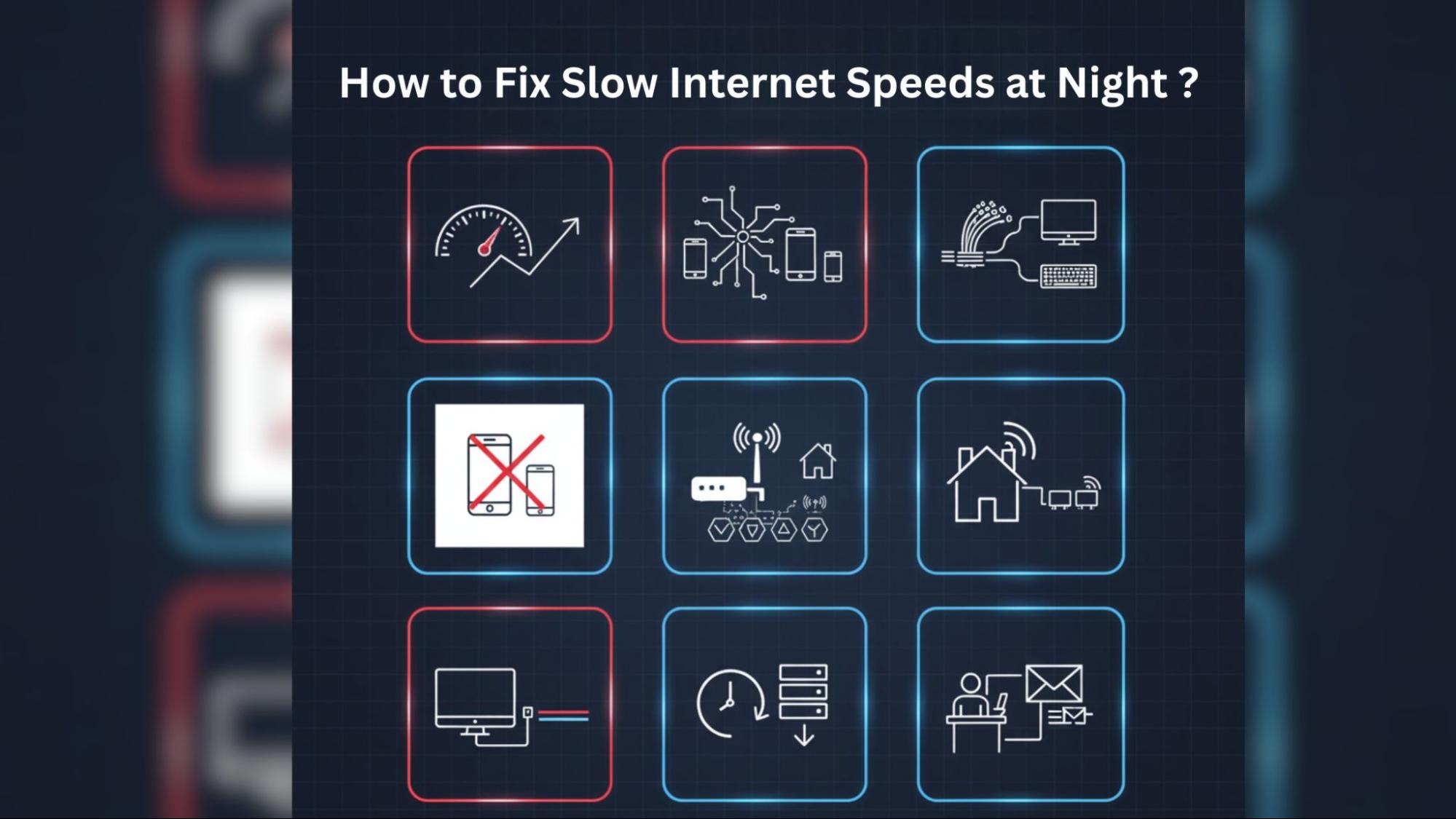
Here are some practical solutions that can help:
- Upgrade Your Broadband Plan
Sometimes the issue isn’t congestion; it could be that your plan’s speed isn’t enough for your household. If multiple people stream 4K videos or work from home, your plan may need an upgrade.
Look into different cable broadband plans that offer higher bandwidth. Consider unlimited broadband plans to avoid throttling after reaching a data limit.
- Switch to Fiber Broadband
Fiber connections are much faster, more stable, and less affected by peak-hour traffic. If available, upgrading to fiber broadband in Vasai is a smart long-term investment for better connectivity.
- Optimize Your Wi-Fi Setup
Router placement affects speed significantly. Keep your router in an open, central location away from walls and appliances. If your home is large or has multiple floors, install a Wi-Fi extender or a mesh system to distribute signals evenly.
- Reduce the Number of Connected Devices
Each connected device consumes bandwidth, even when not in active use. Disconnect devices not needed like smart TVs, tablets, or IoT gadgets to free up bandwidth for important tasks.
- Schedule Heavy Downloads During Off-Peak Hours
If you frequently download movies, games, or software updates, schedule them for late-night or early-morning hours. This helps avoid congestion and ensures faster downloads.
- Use Wired Connections When Possible
For important work calls or gaming sessions, connect your computer directly to your router using an Ethernet cable. Wired connections avoid Wi-Fi interference and maintain maximum speed.
- Contact Your Internet Provider
If your connection is still slow after trying these tips, reach out to your cable broadband provider. They can check for local outages, line issues, or configuration errors. Sometimes, a simple modem reset or firmware update can solve the problem.
Pro Tip: Compare Plans Before You Upgrade
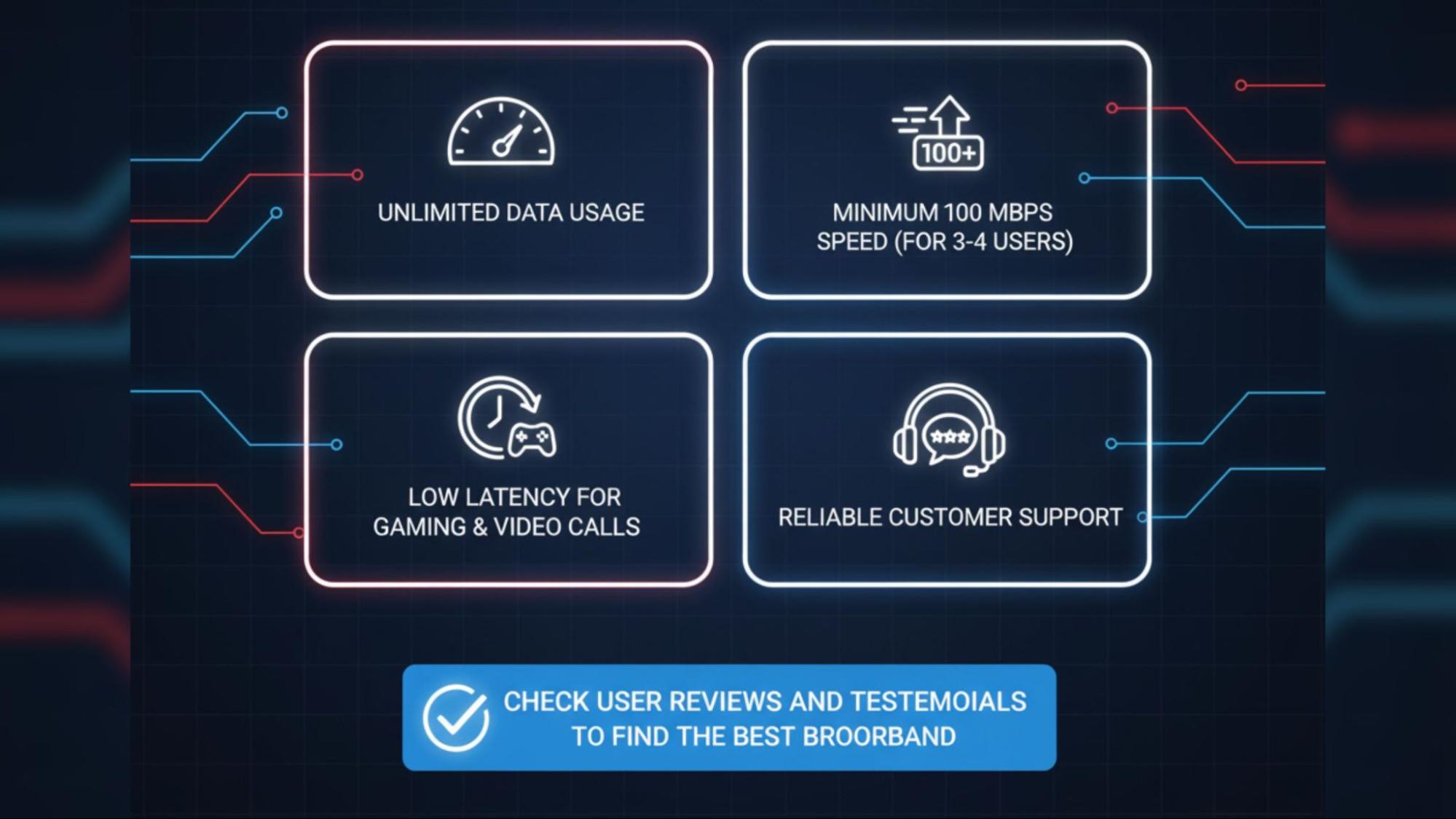
Before switching providers or plans, compare the available cable internet plans in your area. Look for:
- Unlimited data usage
- Minimum 100 Mbps speed (for households with 3–4 users)
- Low latency for gaming and video calls
- Reliable customer support
Providers offering fiber broadband generally provide more stable performance. Check user reviews and testimonials to find the best broadband before making a commitment.
Understanding How ISPs Manage Traffic
During peak hours, ISPs manage data flow using a process called traffic shaping. This helps prevent network overload but can temporarily reduce individual speeds. Premium or business-grade plans often prioritize traffic, allowing you to enjoy higher speeds even when others experience slowdowns.
If you often notice speed drops, ask your cable internet provider about options that include priority bandwidth or fiber-based packages.
Broadband and Remote Work
With the rise of remote and hybrid work, a stable internet connection is crucial for productivity. If you rely on video conferencing, cloud apps, or large file transfers, switching to an unlimited broadband or fiber broadband in Vasai plan can help eliminate lag and disconnections.
The right broadband choice ensures you stay connected without worrying about buffering or dropped calls.
Final Thoughts
Slow internet at night can be frustrating, but it’s not unavoidable. Most problems arise from network congestion or outdated equipment. By upgrading to better cable
broadband plans, optimizing your Wi-Fi, and considering fiber broadband , you can enjoy stable, high-speed internet 24/7.
A fast and reliable connection isn’t just about entertainment; it’s essential for staying productive, informed, and connected. Take the time to compare Vasai cable internet plans and select one that meets your needs. Your future self will appreciate it every evening when your streams never buffer again.